


Quick Answer: SEO website design is the practice of building and structuring a website so that both users and search engines can navigate it easily. It combines technical SEO, on-page optimization, and user experience (UX) principles to help pages rank higher in search results and convert more visitors.
Table of Contents
Most websites fail to rank; not because their content is bad, but because their design works against them. A slow load time, a confusing menu structure, or a missing meta description can quietly suppress your rankings without you ever knowing why. If you are new to the topic, our plain-English guide to what SEO optimization actually means is a useful starting point.
SEO website design fixes that. It’s the process of building your site with search visibility baked in from the start; not bolted on after the fact. That is also why our web design and SEO services for brands and businesses are delivered by one team rather than two separate vendors.
This post breaks down exactly what SEO website design is, which elements matter most, and the common mistakes that hold sites back.
How SEO and Website Design Work Together
Design and SEO are often treated as separate disciplines. Designers focus on aesthetics; SEO specialists focus on rankings. But search engines like Google evaluate both simultaneously. Understanding how web design works as a process makes it much easier to see where SEO decisions fit in.
Google ranks pages based on over 200 factors. Many of them; like page speed, mobile usability, and site structure; are direct products of design decisions. A visually stunning site that loads slowly or confuses crawlers won’t rank well, regardless of how good the content is.
When design and SEO align, the result is a site that looks great, loads fast, and gets found. That’s the goal of SEO website design.
Key Elements of SEO Website Design
Site Structure and Navigation
Your site’s structure tells search engines which pages matter most. A flat, logical hierarchy; where any page is reachable within three clicks from the homepage; makes crawling more efficient and helps distribute link authority across your site.
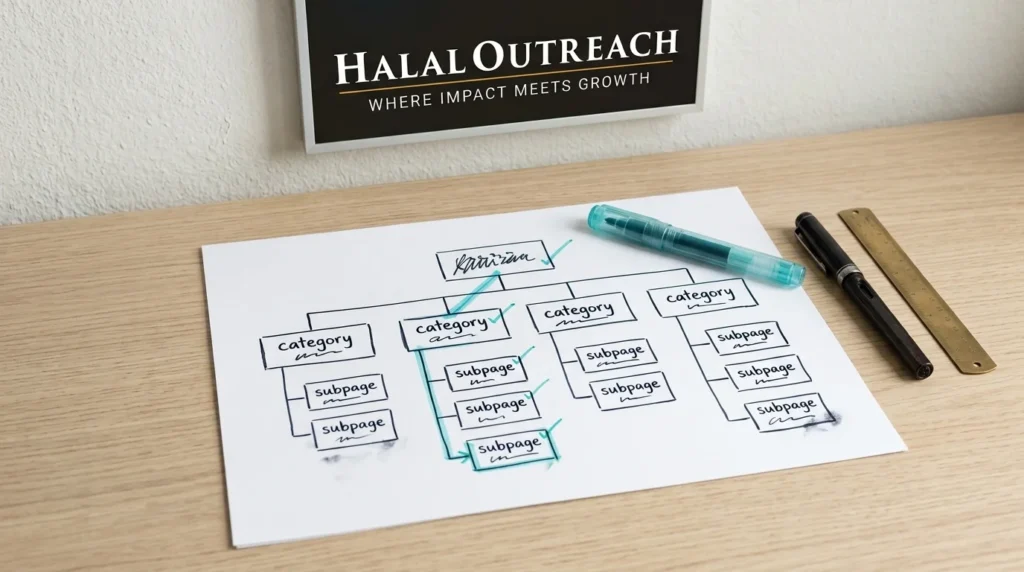
[IMAGE PLACEMENT: In-content image 1, directly under the paragraph above and before the category page advice] Alt text: Flat site structure for SEO showing homepage, category pages and subpages reachable within three clicks
Use broad category pages at the top level. Break them into specific subcategories. Keep your navigation menu simple and consistent. If users (or crawlers) struggle to find a page, search engines will likely deprioritize it.
Page Speed and Mobile Friendliness
Google uses mobile-first indexing. That means it primarily crawls and ranks the mobile version of your site; not the desktop version. If your mobile experience is poor, your rankings will reflect that.
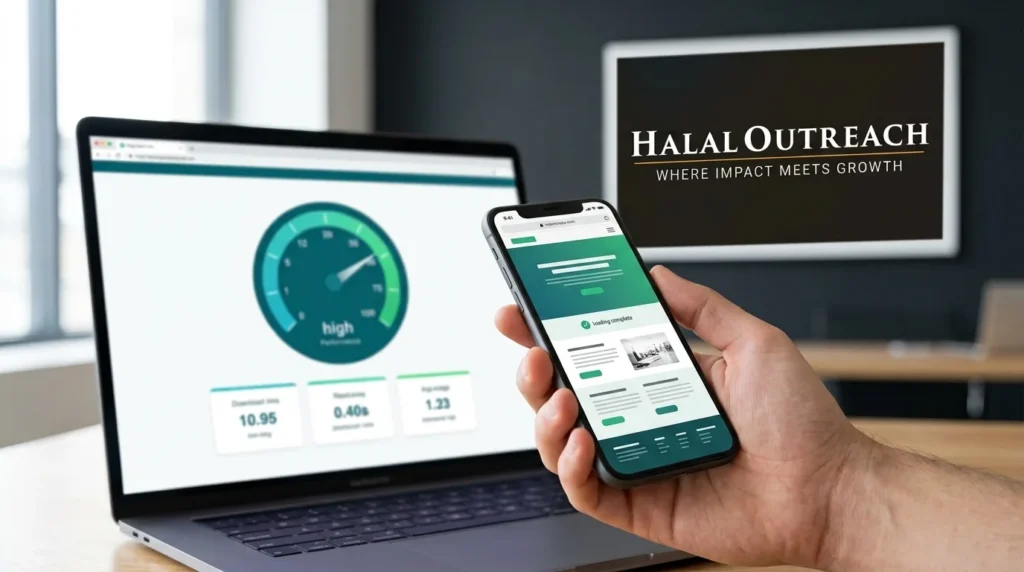
Page speed is equally critical. According to Google, 53% of mobile users abandon a site that takes longer than three seconds to load. Tools like Google PageSpeed Insights and GTmetrix can identify exactly what’s slowing your site down; whether that’s uncompressed images, render-blocking scripts, or hosting that needs an upgrade. Many of these fixes are things a web developer can do to increase page performance without touching the design.
[IMAGE PLACEMENT: In-content image 2, directly under the paragraph above and before the On-Page SEO Elements heading] Alt text: Mobile page speed test for SEO website design showing a smartphone next to a Core Web Vitals performance score
On-Page SEO Elements
Three on-page elements have an outsized impact on how search engines understand your pages:
Title tags: Keep them under 60 characters. Include your focus keyword. Write them for humans, not just bots.
Meta descriptions: Aim for 155 characters or fewer. Think of them as ad copy: they don’t directly affect rankings, but they do influence click-through rates. If you are unsure which terms to work into them, see how to choose meta keywords for SEO.
URL slugs: Use short, descriptive, hyphenated URLs. Avoid auto-generated strings like ?p=1234. A clean URL like /seo-website-design is easier for both users and crawlers to interpret.
Each page should target one primary keyword. Trying to rank a single page for dozens of unrelated terms dilutes its focus and rarely works.
Internal Linking
Internal links do two important things. First, they help users navigate to related content. Second, they pass link authority (sometimes called “link equity”) from high-authority pages to those that need a ranking boost.
Add internal links with descriptive anchor text. Instead of “click here,” use something like “learn more about on-page SEO elements.” This gives search engines context about the destination page.
Aim to link to your most important pages from your most-visited pages. Don’t leave valuable content buried with no internal links pointing to it.
Crawlability and Indexability
Before Google can rank your pages, it needs to find and index them. Crawlability refers to how easily search engine bots can access your site. Indexability refers to whether those pages are eligible to appear in search results.
Common crawlability blockers include:
- Broken internal links (404 errors)
- A robots.txt file that accidentally blocks key pages
- Pages tagged with noindex that should be indexed
- Duplicate content without canonical tags
Use Google Search Console to check your coverage report. It shows which pages are indexed, which are excluded, and why.
Common Mistakes in SEO Website Design
Even well-intentioned sites make these errors regularly:
1. Designing for looks, not structure. Heavy JavaScript frameworks and complex animations can make a site beautiful; but if your content isn’t rendered before Googlebot leaves, those pages may never rank.
2. Ignoring Core Web Vitals. Google’s Core Web Vitals (Largest Contentful Paint, Interaction to Next Paint, and Cumulative Layout Shift) are confirmed ranking signals. Sites that score poorly on these metrics are at a disadvantage.
3. Skipping the mobile audit. Testing your site on desktop and assuming the mobile version is fine is a costly assumption. Always audit both versions separately.
4. Using vague or duplicate page titles. Every page needs a unique, descriptive title tag. Multiple pages sharing the same title confuse search engines about which one to rank.
5. Orphan pages. These are pages with no internal links pointing to them. Search engines rarely find them; and even if they do, they receive no link authority. Audit your site regularly for orphaned content.
Build Your Site to Be Found
SEO website design isn’t a one-time task. It’s an ongoing practice of aligning how your site is built with how search engines work.
Start with structure. Map out your site hierarchy before you design a single page. Then audit your speed, on-page elements, and internal links. Use Google Search Console and PageSpeed Insights as your baseline tools; they’re free and reliable. Once the foundation is solid, the next step is the ongoing work of improving your website ranking on Google.
The sites that rank consistently aren’t always the ones with the best content. They’re the ones built so that their content can actually be found. If you would rather have a site built this way from day one, explore our web design and SEO services or contact us for a quick review of your current site.
Frequently Asked Questions
What is the difference between SEO and website design?
Website design focuses on the visual layout and user experience of a site. SEO focuses on making a site visible in search engines. SEO website design combines both; building sites that are visually effective and technically optimized for search.
Does website design affect SEO rankings?
Yes. Design decisions directly influence ranking factors like page speed, mobile usability, site structure, and crawlability. Poor design choices can suppress rankings even when your content is strong.
What is the most important SEO element in website design?
There’s no single most important element; but site structure, page speed, and crawlability are foundational. Without these, even well-written content may not rank.
How do I know if my website is SEO-friendly?
Run your site through Google Search Console, Google PageSpeed Insights, and a crawl tool like Screaming Frog. These tools surface technical issues, speed problems, and indexing errors.
Can I add SEO to an existing website, or do I need to rebuild it?
You can often improve SEO on an existing site without a full rebuild. Start with on-page fixes (title tags, meta descriptions, internal links), then address technical issues (speed, crawlability). A rebuild is only necessary when structural problems are too deep to fix otherwise.