


Quick Answer
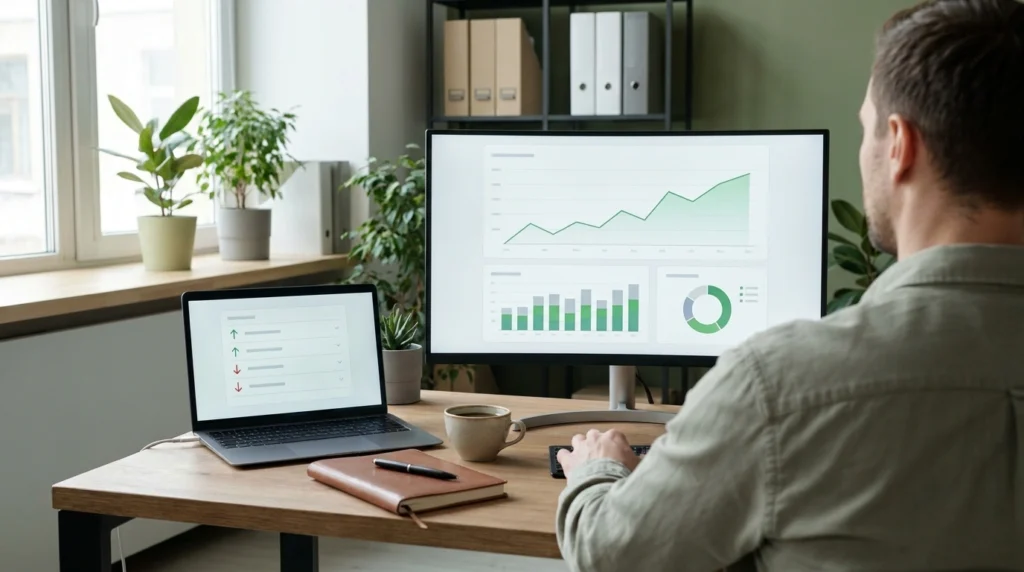
To track SEO, monitor three things together: keyword rankings, organic traffic, and the conversions that traffic produces. Use Google Search Console for clicks, impressions, CTR, and average position, Google Analytics 4 for on-site behavior and conversions, and a rank tracker for competitors. Review the data weekly and judge trends over four weeks, not single days.
Learning how to track SEO properly means connecting those three data sets instead of checking rankings alone. Search engine optimization is a long game, and rank position by itself tells you almost nothing about whether it is working.
You can rank #1 for a keyword nobody searches, or double your traffic while leads stay flat. That is why tracking starts with finding good keywords for SEO that real customers search. Rank position without traffic and conversion data hides the real story.
Table of Contents
Start With Google Search Console, Not a Rank Tracker
Google Search Console (GSC) is Google’s free tool that shows impressions, clicks, average position, and click-through rate (CTR) for the queries your site appears for. It keeps 16 months of history and hides very rare queries for privacy, so totals will not match a query-by-query sum.
A page ranking #4 with a low CTR often needs a better title tag and meta description, not a ranking boost. Writing those well is a core part of SEO writing. GSC shows you that gap directly, for free, straight from Google’s own data.
Low CTR at a high position can also mean an AI answer or another search feature sits above your listing. We cover that shift in Is SEO Dead?.
Check the Performance report weekly. Filter by page to see which URLs get impressions but few clicks, since that is your fastest fix.
Track Rank Changes Weekly, Not Daily
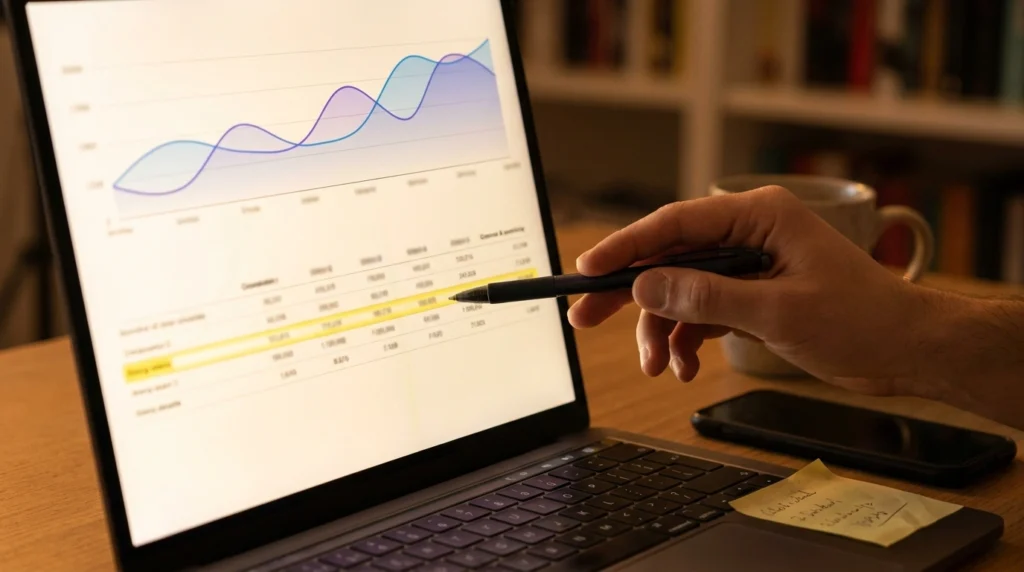
Checking rankings every day creates false alarms. Results shift with location, device, and Google’s constant testing of its results pages, so a single day’s position can swing without any real change.
Pull rank data weekly and average it over four weeks. This smooths out noise and shows you the trend that actually matters for decisions.
If a keyword drops for one day and recovers, ignore it. If it trends down for three straight weeks, investigate.
Keep the tracked list tight. Follow the one primary keyword and the few secondary keywords mapped to each page, as explained in how many keywords you should use for SEO.
Connect GA4 to See What Happens After the Click
Google Analytics 4 (GA4) shows what visitors do once they land on your page: engagement rate, average engagement time, and key events such as form fills or calls. “Key events” is GA4’s current name for conversions, and bounce rate is simply the inverse of engagement rate.
Suppose organic traffic converts at 1% while paid traffic from Google Ads converts at 4%. The cause is often search intent mismatch, not page design. People landing from an informational keyword usually are not ready to buy yet.
Set up key events in GA4 before you need the data, not after a client asks why leads dropped. GA4 cannot collect conversions backwards in time.
Use a Rank Tracker to See Competitors, Not Just Yourself
Tools like Ahrefs, Semrush, and Moz track hundreds of keywords automatically and show competitor visibility side by side with yours.
If a competitor outranks you with fewer backlinks, the gap is usually content depth, intent match, or page experience, not link count. Link quality matters more than volume too, which we explain in do nofollow links help SEO. Rank trackers surface these gaps by showing the competing URL for every tracked term.
Use these tools monthly for competitive gaps, and GSC weekly for your own site’s real click data.
Monitor Core Web Vitals for Technical Health
Core Web Vitals are Google’s page experience metrics: Largest Contentful Paint (LCP), Interaction to Next Paint (INP), and Cumulative Layout Shift (CLS).
Google’s “good” thresholds are LCP of 2.5 seconds or less, INP of 200 milliseconds or less, and CLS of 0.1 or less. Each is measured at the 75th percentile of real user visits.
Google confirms that Core Web Vitals are used by its ranking systems, but relevance still comes first. Treat them as a tie-breaker between pages of similar quality, not a substitute for strong content.
Check these monthly in Search Console’s Core Web Vitals report, split by mobile and desktop. On WordPress, caching is often the quickest win, so see how to clear WordPress cache for a faster website.
Build One SEO Tracking Dashboard Instead of Checking Five Tools
Pulling data from GSC, GA4, and a rank tracker separately wastes time and buries trends. A single dashboard in Google Data Studio (called Looker Studio until April 2026) combines all three in one view.
Track month-over-month organic traffic, conversion rate by landing page, and top 10 keyword movement together. This lets you spot when rankings rise but conversions do not, which usually points to a targeting problem.
Many teams rebuild this report by hand every month. Set it up once and just update the date range. It also lets you compare SEO against your other digital marketing strategies in one place.

What Most People Get Wrong When Tracking SEO
Chasing rankings without checking conversions wastes budget on keywords that never turn into revenue. A page ranking #1 that converts at 0.5% can bring in fewer leads than a page ranking #5 that converts at 3%. Compare total conversions, not positions.
Overreacting to daily rank swings leads to unnecessary content rewrites based on noise, not real algorithm shifts.
Ignoring the split between branded and non-branded traffic hides your true growth. Branded traffic comes from people who already searched your company name. Non-branded growth shows new-customer discovery, which is the number that proves SEO is working.
Search Console now has a built-in branded queries filter in the Performance report, so you no longer need regex to separate the two.
How to Track SEO: Frequently Asked Questions
How often should I check my SEO rankings?
Check rankings once a week and judge the four-week average. Daily checks mostly show noise from location, device, and Google’s own testing.
What is the best free tool to track SEO?
Google Search Console is the best free starting point because the data comes from Google itself. Pair it with GA4 for conversions and Data Studio for a combined dashboard.
Which SEO metrics matter most?
Non-branded organic clicks, conversions from organic traffic, CTR, and average position for your target keywords matter most. Add Core Web Vitals as a monthly technical check.
How long does it take to see SEO results?
Google’s own guidance says SEO work typically needs four months to a year to show its full benefit. Track the trend monthly, and do not judge a campaign on its first few weeks.
Get Your SEO Tracking Set Up Properly
Now you know how to track SEO: rankings, traffic, and conversions in one weekly routine. If you want it built and managed for you, explore Halal Outreach’s SEO and marketing services or book your consultation.
Need help with SEO, ads, or a new website?
Get a Free Consultation →