


It is one of the most common calls we receive from business owners: “I’m spending money on Google Ads, but when I search for my service, nothing shows up. Is my campaign broken?”
The short answer is: No, it’s likely not broken.
Google Ads has evolved into a highly personalized, AI-driven ecosystem. In 2026, the search results page you see is unique to you. It is shaped by your browsing history, your location, and even your past interactions with your own brand.
Here are the primary reasons why your ads are staying invisible to you—and why that might actually be a good thing.
1. Google is “Learning” Your Behavior
Google’s primary goal is to show ads to people who are likely to click and convert. If you search for your own keywords repeatedly but never click on your ad (which you shouldn’t, as it costs you money), Google’s AI takes notice.
The algorithm eventually concludes: “This user keeps seeing this ad but never interacts with it. They must not find it relevant.” To improve the user experience and save your budget, Google simply stops showing the ad to you. You have essentially trained the system to “ghost” your own device.

2. The Budget Pacing Factor
Most small to medium-sized businesses operate on a daily budget. To ensure your ads last throughout the entire day, Google uses “pacing.”
If your daily budget is $50 and your average cost-per-click is $5, you only have enough room for 10 clicks. If you search at 3:00 PM and the algorithm determines that your budget is being spent too quickly, it will pause your ad’s visibility to save some “room” for high-intent searches later in the evening. This prevents your budget from being exhausted by 9:00 AM.
3. Targeting and IP Exclusions
In 2026, hyper-local targeting is more precise than ever. If your campaign is set to target a 10-mile radius around your storefront and you happen to be searching from home—even just a few miles outside that zone—you won’t see the ad.
Additionally, many professional agencies now implement IP Exclusions. We often block the office IP addresses of our clients. Why? Because we want to prevent your internal team from accidentally triggering impressions or clicks that skew your data and waste your spend.

4. The “AI Overview” and New Ad Placements
With the rise of Search Generative Experience (SGE) and AI Overviews, the layout of the search page has changed. Ads are now frequently integrated into AI responses or placed in conversational “AI Mode” windows.
If you are looking for a traditional blue-link text ad at the very top, you might be missing the fact that your brand is actually being featured as a recommended source within a generated AI answer. The “where” of your ad placement is more fluid than it was two years ago.
5. Low Ad Rank and Auction Dynamics
Every single search triggers a real-time auction. Even if you are bidding on a keyword, a competitor might have a higher “Ad Rank” for that specific search. Ad Rank is a combination of your bid amount and your Quality Score (relevance and landing page experience).
If a competitor’s landing page is more relevant to that specific search query at that specific moment, Google will prioritize their ad over yours to ensure the user gets the best answer.
How to Safely Check if Your Ads are Working
Instead of searching on https://www.google.com/search?q=Google.com, which can lower your Click-Through Rate (CTR) and hurt your Quality Score, use the tools built for this purpose:
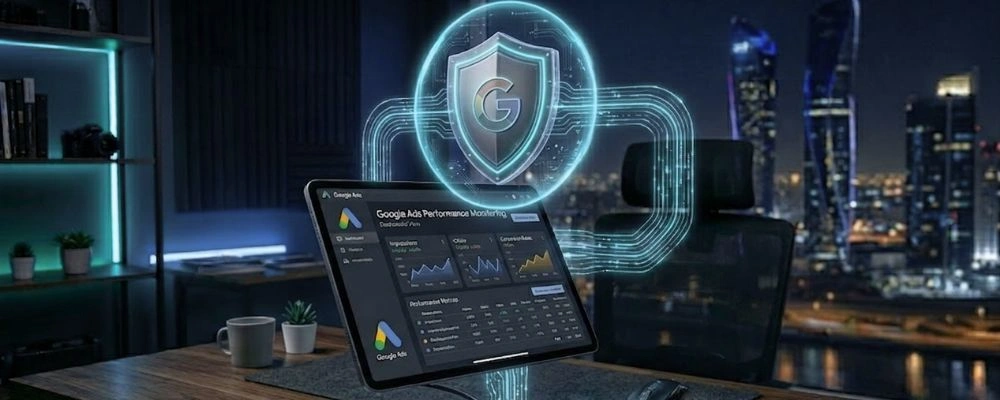
Ad Preview and Diagnosis Tool: Found inside your Google Ads dashboard, this tool allows you to simulate a search from any location or device without triggering a “real” impression. It will tell you exactly why an ad is or isn’t showing.
Impression Share Metrics: Look at your “Search Impression Share” in your reports. If it’s at 70%, it means for every 10 searches, you are appearing 7 times. No one appears 100% of the time.
Check Your Status Column: If your ads are “Under Review” or “Limited by Budget,” Google will tell you directly in the dashboard.
Final Thought: Focus on Results, Not Vanity
A CEO’s job is to look at the scoreboard, not the individual play. If your dashboard shows that you are getting calls, form fills, and sales, the campaign is successful even if you can’t see the ad on your personal phone.
Trust the data over your personal search results. When you stop searching for yourself, you allow the AI to find the people who are actually searching for you.